
 ENGLISH

Hosted PBX vs On-Premise PBX: Costs, Control and Which to Choose
Where your phone system runs decides who maintains it, what happens when the internet fails and how the bill changes as you grow. This comparison puts hosted and on-premise PBXs side by side on cost, control and risk, gives you a break-even method to use with your own quotes, and ends with a short guide to choosing.
The three deployment models
The PBX software is the same kind of thing in every case (our explainer on what an IP PBX is covers how it works). The difference is where it runs and who looks after it.
- Hosted PBX: the PBX runs in a provider's data center and your phones connect to it over the internet. It comes in two flavors. A multi-tenant service rents you seats on a shared platform, usually per user per month. A dedicated hosted instance gives you your own copy of a PBX product that the provider maintains. With 3CX's own hosting, for example, 3CX runs the instance on Amazon, Google or DigitalOcean infrastructure and handles security patches, upgrades, firewall rules, nightly backups and monitoring, while you manage extensions and call rules.
- On-premise PBX: an appliance or server in your own building. Yeastar's P-Series Appliance Edition is a typical example: a box with slots for analog, ISDN and mobile modules, sized from 20 users on the P520 to up to 500 on the P570.
- Self-hosted in your cloud: PBX software on a virtual machine in your own AWS, Azure, Google Cloud or similar account. You get cloud reach without hardware, but you patch, back up and secure the server. The Yeastar P-Series Software Edition and self-hosted 3CX can both run this way.
Side-by-side comparison
| Factor | Hosted | On-premise |
|---|---|---|
| Upfront cost | Low: phones, setup and number porting | Higher: appliance or server, gateway modules, UPS and installation |
| Recurring cost | Monthly or annual fee, often per user | Licence or feature-plan renewals, support, power and eventual hardware replacement |
| Patching and backups | The provider, as far as the contract says | You or your installer |
| Configuration control | What the provider exposes; full admin on most dedicated instances | Full, including the operating system and network |
| Internet outage | The PBX stays up and can divert calls to mobiles, but office phones go offline | Internal calls keep working; outside calls need a backup line such as 4G, analog or a second connection |
| Power outage | Office phones and switches still need local power | The PBX, switches and router all need a UPS |
| Analog devices, fax, door entry | Adapters or gateways at each site | FXS ports on the appliance |
| Remote and multi-site users | Natural fit: every site connects to the cloud | Works, but needs secure remote access or a relay service |
| Where call data lives | The provider's data center and region | Your premises |
| Growth | Add users or upgrade the plan; per-user fees grow with headcount | Easy until you hit the hardware ceiling, then a bigger box |
What each model really costs
Headline prices compare a monthly fee with a box, which tells you very little. Put every cost line for each model in the same table, over the same period, before you decide.
| Cost line | Hosted | On-premise | Self-hosted cloud |
|---|---|---|---|
| PBX licence or service | Per user per month, or per system on dedicated hosting | Licence or feature plan, often renewed yearly | Licence, often renewed yearly |
| Hosting | Included, or a separate fee | None | Virtual machine, storage and data transfer |
| Hardware | None for the PBX | Appliance or server, modules, UPS | None |
| SIP trunks and calls | Same in every model, unless bundled | Same | Same |
| Phones and network | Same: phones, headsets, PoE switches | Same | Same |
| Setup | Configuration and porting | Installation, cabling and configuration | Server build, hardening and configuration |
| Ongoing admin | Users and call flows | Plus updates, backups and hardware | Plus operating system updates, backups and security |
On-premise rarely means no recurring costs. Yeastar appliances, for example, include a free Basic plan for basic telephony, and the Standard, Enterprise and Ultimate plans that add features are bought as subscriptions, either monthly or annual with terms of one to five years. Many other PBX licences also renew yearly.
Three costs get missed most often:
- Occasional users on per-user plans: warehouse staff, part-timers, meeting rooms and lift phones all count as seats.
- Staff time on-premise: someone has to apply updates, check backups and replace a failed power supply.
- Bandwidth for hosted systems: every call, including internal ones, crosses your internet link. Check it with our guide to VoIP bandwidth requirements.
A simple break-even calculation
Once you have real quotes, compare them over the period you expect to keep the hardware:
- Hosted total = hosted setup + (years × hosted annual cost)
- On-premise total = on-premise upfront + (years × on-premise annual cost)
- Break-even years = (on-premise upfront − hosted setup) ÷ (hosted annual cost − on-premise annual cost)
As an illustration with made-up numbers: if on-premise costs 6,000 more upfront and saves 1,500 a year, it breaks even after four years. If you would replace the hardware in year five, the saving is a single year, and a modest change in user count or support costs can wipe it out. If the hosted option has no per-user fee, the annual gap shrinks and the break-even moves further out. Use your own quotes; the method matters more than these figures.
Control, security and data
Hosted doesn't mean you give up control, and on-premise doesn't mean you're secure. What changes is who does the work.
- With a hosted PBX, ask what admin access you get, whether you can export the configuration, call records and recordings, which data center region stores them and how fast the provider applies security fixes.
- With an on-premise PBX, you decide when to update firmware and how the firewall is set, and you carry the risk if neither gets done.
- In both models, weak extension passwords and open international dialing invite toll fraud. Our guide to preventing toll fraud covers the controls that matter.
Planning for outages
Each model fails differently, so plan the fallback before you need it.
- Hosted: set every extension's "unavailable" route to a mobile number or another site, so calls still reach someone when the office connection is down. A second internet link or a 4G router keeps the office phones working.
- On-premise: put the PBX, router and PoE switches on a UPS, and add a backup outside line through a 4G module, an analog line on an FXO port or a second internet connection. For sites that can't stop, Yeastar lists a hot standby option with dual-server redundancy on its Appliance and Software Editions.
Which model to choose
Hosted usually fits when:
- Staff are spread across homes, small offices or several countries.
- Nobody in-house wants to maintain a server or appliance.
- You prefer a predictable operating cost to a capital purchase.
- The office is small, temporary or likely to move.
On-premise usually fits when:
- You have analog devices, door entry, paging, fax or legacy lines to connect.
- Internal calls must keep working during an internet outage, as in factories, hotels and clinics.
- The site has a slow or unreliable internet connection.
- You have many occasional users and want to avoid per-user fees.
Self-hosted cloud usually fits when your IT team already runs cloud servers and wants full control without hardware on site.
Three examples
| Business | Situation | Likely fit | Why |
|---|---|---|---|
| 15-person consultancy | Staff split between home and a small shared office; no IT staff | Hosted | Nothing to maintain, apps work anywhere and there are no analog devices to connect |
| 40-room hotel | Analog room phones, a fax, door entry and a single internet line | On-premise appliance with FXS ports | Existing room wiring is reused, and rooms can still call reception during an internet outage |
| Manufacturer with two plants | Paging, alarm lines, constant internal calls and an in-house IT team | On-premise, or self-hosted with local gateways | Internal traffic stays local, and the IT team can maintain the servers |
A hybrid is common too: an on-premise appliance for the office, with a relay service so remote apps can connect without opening ports. On Yeastar that's the Linkus Cloud Service, and our guide to VoIP for remote teams covers the setup. Because several platforms are sold in more than one model, you can pick the platform first; compare 3CX deployment options and Yeastar P-Series plans for the details, and see our business VoIP phone system guide for the wider decision.
How BtoBSkills can help
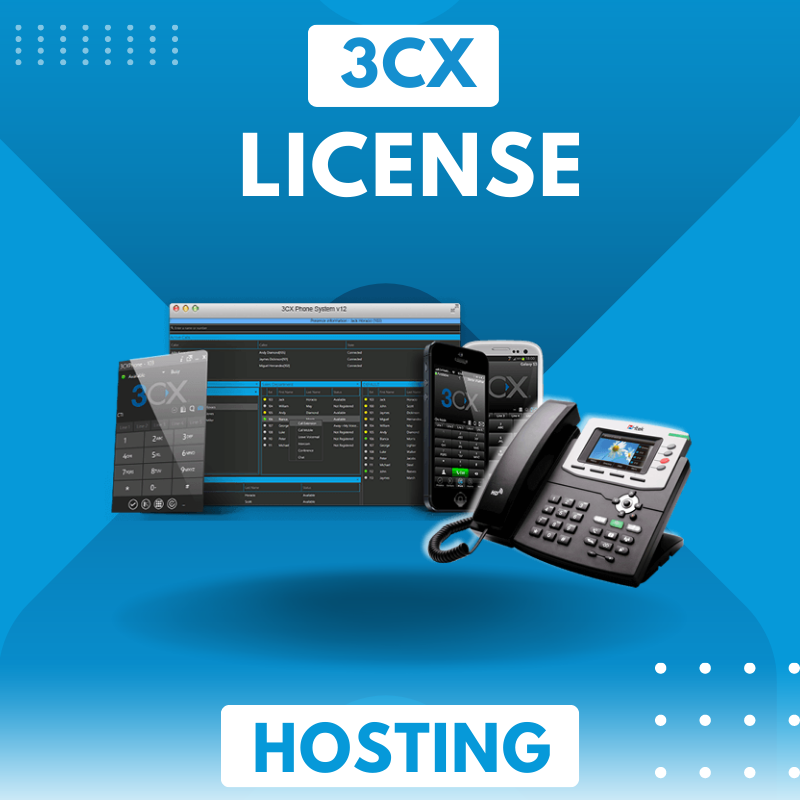
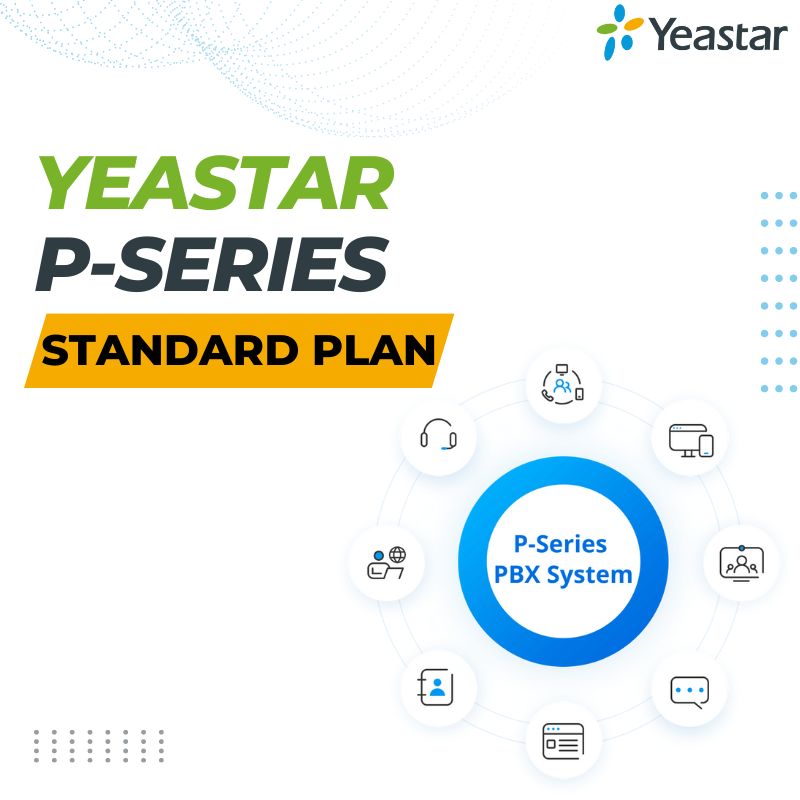
We supply and configure both models. For a hosted system, our 3CX hosting licence is sized by simultaneous calls; for an on-premise appliance, we supply plans such as the Yeastar P-Series Standard Plan for the P550, P560 and P570. Request a quote with your sites, users and devices, and we'll compare both models on the same cost lines.
Frequently asked questions
Is a cloud PBX the same as a hosted PBX?
Is a hosted PBX more secure than an on-premise one?
Can I move from on-premise to hosted later?
Does an on-premise PBX have monthly costs?
Which is better for a 10-person office?
Related services
-
 3CX Hosting License $150.00
-
Related articles
- What Is an IP PBX and How Does It Work?
What's inside an IP PBX, how a call is set up and carried step by step, how it connects to SIP trunks and analog lines, and the setup mistakes to avoid.
- How Much Bandwidth Does VoIP Need? A Practical Calculation
Per-call bandwidth for G.711, G.729, G.722 and Opus, the header math behind it, what packet size and encryption add, and a worked example for a whole office.
- VoIP Security: How to Prevent Toll Fraud and SIP Attacks
How attackers use hacked phone systems to run up call charges, the controls that stop them on 3CX, Yeastar and FreePBX, and what to do if you're hit.
- Yeastar P-Series Plans Compared: Standard vs Enterprise vs Ultimate
What each Yeastar P-Series plan includes, which plans the appliance, software and cloud editions offer, how capacity works and which plan fits your team.
- Business VoIP Phone Systems: The Complete Guide for SMEs
How a business VoIP phone system works, the deployment and licensing choices you'll face, what your network needs, and how to switch without losing calls or numbers.
Sources
- 3CX Hosted PBX: managed hosting by 3CX (accessed 2026-11-19)
- Yeastar P-Series Appliance Edition (models, interfaces, hot standby, plans) (accessed 2026-11-19)
- Yeastar Help: Purchase Plan and Service for P-Series Appliance Edition (accessed 2026-11-19)