
 ENGLISH

What Is a CRM? A Practical Guide for Small Businesses
Most small businesses start tracking customers in inboxes, spreadsheets and someone's memory, and it works until a lead slips through or a key salesperson leaves. This guide explains what a CRM is, what it does day to day, how it differs from an ERP or a help desk, how to choose one and how to roll it out so your team actually uses it.
What is a CRM?
A CRM (customer relationship management system) is software that keeps every contact, company, deal and conversation with your customers in one shared database. Instead of each person holding their own notes, everyone sees the same history: who the customer is, what they bought, what was promised and what happens next.
The software is only half of it. A CRM also encodes your process: the stages a lead goes through, who follows up and when, and what counts as a won or lost deal. A CRM that copies a messy process just makes the mess faster, which is why setup decisions matter more than the brand you pick.
A quick before-and-after makes it concrete. Before: a prospect emails your sales inbox, a colleague replies from their own account, a quote goes out as a PDF, and three weeks later nobody remembers to chase it. After: the email creates a lead, the lead is assigned to a salesperson, the quote is logged against the deal, and the CRM reminds the owner to follow up on day five.
What a CRM does day to day
| Function | What it means in practice |
|---|---|
| Contact and company records | One record per person and per organization, with phone numbers, emails, addresses, notes and linked deals |
| Sales pipeline | Deals move through stages you define, such as New, Qualified, Quote sent, Negotiation, Won or Lost, so you can see what's stuck |
| Activity history | Emails, calls, meetings and notes logged on the record, so anyone can pick up a conversation |
| Tasks and reminders | Follow-ups assigned to a person with a due date, instead of living in someone's head |
| Automation | Rules such as "assign web leads by region" or "send a reminder if a quote has no reply after five days" |
| Reports and forecasts | Pipeline value by stage, win rates, lead sources and activity per salesperson |
| Integrations | Links to email, your website forms, your phone system, accounting and marketing tools |
Many CRMs also include marketing features (email campaigns, segments) and service features (tickets, a customer portal). Whether you need those depends on how many tools you want to run.
The phone system link
For businesses that sell or support by phone, computer telephony integration (CTI) is often where a CRM pays for itself. CTI connects the phone system to the CRM so incoming calls pop up the caller's record, staff click a number to dial, and every call is logged automatically. See our guides on computer telephony integration, 3CX CRM integration and Salesforce and Cisco telephony integration.
Signs your business needs a CRM
- Leads arrive through several channels (web forms, email, phone, WhatsApp) and nobody can say how many came in last month.
- Follow-ups depend on individual memory or sticky notes.
- Two people have contacted the same prospect without knowing it.
- When someone is off sick or leaves, their customer history goes with them.
- Your sales forecast is a weekly spreadsheet that someone rebuilds by hand.
- You can't answer "which lead source brings our best customers?"
If two or more of these are true, a CRM will likely save you time within the first few months. If you have a handful of customers and one person handles all of them, a well-kept spreadsheet may still be enough.
CRM vs spreadsheet vs ERP vs help desk
These tools overlap, and vendors blur the lines. Here is how they differ in practice:
| Tool | Main job | Where it falls short |
|---|---|---|
| Spreadsheet | Simple lists, quick analysis | No history per contact, no reminders, version conflicts, weak access control |
| CRM | Leads, deals, contacts and customer communication | Usually doesn't handle stock, purchasing or full accounting |
| ERP | Operations: inventory, purchasing, manufacturing, invoicing, accounting | Can be heavy if all you need is a sales pipeline |
| Help desk | Support tickets, response-time targets (SLAs), knowledge base | Not built for sales pipelines |
An ERP (enterprise resource planning system) runs the operational back office, while a CRM runs the customer-facing front office. Some platforms, such as Odoo, offer both as modules. Our CRM vs ERP comparison goes deeper, and if support is your main pain, read our Zendesk setup best practices.
Cloud CRM or self-hosted?
| Cloud (SaaS) | Self-hosted (often open source) | |
|---|---|---|
| Who runs servers and updates | The vendor | You or your IT partner |
| Cost model | Subscription per user, per month or year | No licence fee for open-source editions, but you pay for hosting, upgrades and support |
| Speed to start | Fast: sign up and configure | Slower: install, secure, back up |
| Customization | Within the vendor's limits | Deep, including code and database |
| Data location | The vendor's data centers | Wherever you host it |
Most small businesses are better served by a cloud CRM unless they have a specific reason to self-host, such as data location rules, heavy customization or an in-house developer. Open source doesn't mean free to run: as the Vtiger team puts it on its open-source CRM page, hosting, maintenance, support and upgrades still cost money.
CRMs small businesses often shortlist
These are the CRM and help desk platforms our team configures. Plans and limits change, so treat this as a snapshot at the time of writing (November 2026) and confirm on each vendor's site.
| Platform | What it is | Worth knowing |
|---|---|---|
| Zoho CRM | Cloud CRM within the wider Zoho suite | Editions run from Free to Standard, Professional, Enterprise and Ultimate; the Free edition covers up to 3 users |
| Bitrix24 | CRM bundled with tasks, chat and an intranet | Has a free cloud plan with limits and a separate on-premise edition for your own server |
| Vtiger | CRM available as open source or cloud | The open-source edition is self-hosted under the Vtiger Public License; Vtiger Cloud is a separate product with its own free tier |
| Odoo | Modular business suite with CRM, sales, inventory and accounting | Community edition is open source under LGPLv3; Enterprise is licensed and adds features on top |
| Zendesk | Customer service and help desk platform | Best when support tickets, not sales deals, are the main workload |
For side-by-side detail, see Zoho CRM vs Bitrix24 vs Vtiger, Vtiger open source vs cloud, Odoo for small businesses and Odoo Community vs Enterprise.
How to choose a CRM: seven questions
- How many people will use it in a year? Price per user adds up, and free tiers have user caps.
- How complex is your sales process? One pipeline with five stages, or several product lines with approvals and quotes?
- What must it connect to? Email, website forms, phone system, accounting, e-commerce. Check for native integrations before you shortlist.
- Do you need operations too? If you also need inventory or invoicing, a suite such as Odoo may beat a CRM plus separate tools.
- Who will administer it? Someone has to add fields, fix automations and onboard new staff.
- Where must the data live? Some sectors or clients require a specific region or self-hosting.
- Can you leave? Check that you can export all records, notes and attachments in a usable format.
Run a two-week trial with real data and the two or three people who will use it most. A demo with the vendor's sample data hides the friction you'll hit on day one.
Rolling out a CRM: a seven-step plan
- Map the process. Write down your lead sources, pipeline stages, who owns each step and what triggers a follow-up. Keep it to one page.
- Decide the minimum data. Agree on the fields you actually use. Every extra mandatory field lowers adoption.
- Clean and import your data. Remove duplicates, standardize phone formats and country codes, and map old columns to new fields. Our CRM data migration checklist walks through it.
- Configure the basics. Users and roles, one pipeline, lead assignment rules and two or three automations. Add more later.
- Connect the essentials. Email first, then website forms, then the phone system.
- Train by role. Salespeople need a 30-minute session on their daily routine, not a tour of every menu.
- Review after 30 days. Look at which fields are empty, which automations misfire and what people still track outside the CRM, then adjust.
Example: a simple B2B pipeline
Stage names matter less than clear entry rules. If every salesperson has their own idea of "qualified", your pipeline report means nothing. Here is a starting point for a service business that sends quotes:
| Stage | A deal enters this stage when | Next action |
|---|---|---|
| New lead | A form, email or call comes in and a record is created | Contact within one working day |
| Qualified | You've confirmed need, budget range, decision maker and timing | Book a discovery call or site visit |
| Quote sent | A written proposal is logged against the deal | Follow up on day three and day seven |
| Negotiation | The customer has replied with questions or changes | Revise the quote, agree a decision date |
| Won or Lost | The customer has said yes or no | Won: hand over to delivery. Lost: record the reason |
The "lost reason" field is one of the most neglected fields we see in small-business CRMs. After three months it tells you whether you lose on price, speed, scope or fit, which is worth more than most dashboards.
Reports to set up in week one
- New leads by source, weekly, so you know which channels deserve more budget.
- Open deals by stage and owner, to spot deals that haven't moved in two weeks.
- Overdue tasks per person, the quickest adoption check there is.
- Win rate and average deal value, monthly, once you have enough closed deals to compare.
Platform-specific guides:Zoho CRM setup guide, Bitrix24 setup checklist and Odoo implementation steps.
Why CRM projects stall
The software rarely fails. Adoption does. These are the patterns we see most:
- The CRM isn't the single source of truth. If the manager still asks for a weekly spreadsheet, people keep updating the spreadsheet.
- Too much, too soon. Forty custom fields and a dozen automations on day one confuse everyone.
- Dirty imported data. Staff open a record, find duplicates or wrong numbers, and stop trusting the system.
- No owner. Nobody is responsible for keeping the setup tidy as the business changes.
Our article on why CRM projects fail covers each of these and how to avoid it.
Customer data and privacy
A CRM concentrates personal data, so it is where privacy obligations become practical. Under the EU GDPR, people have rights including access, rectification, erasure and objection, and the European Data Protection Board's SME guide says organizations should answer requests within one month, extendable in complex cases. Your CRM should let you find everything about one person quickly, export it, correct it and delete it when required.
Practical steps: limit access by role, record where each contact came from and whether they agreed to marketing, and set a retention rule for old leads. This is general information, not legal advice; check the rules that apply in your country.
How BtoBSkills can help
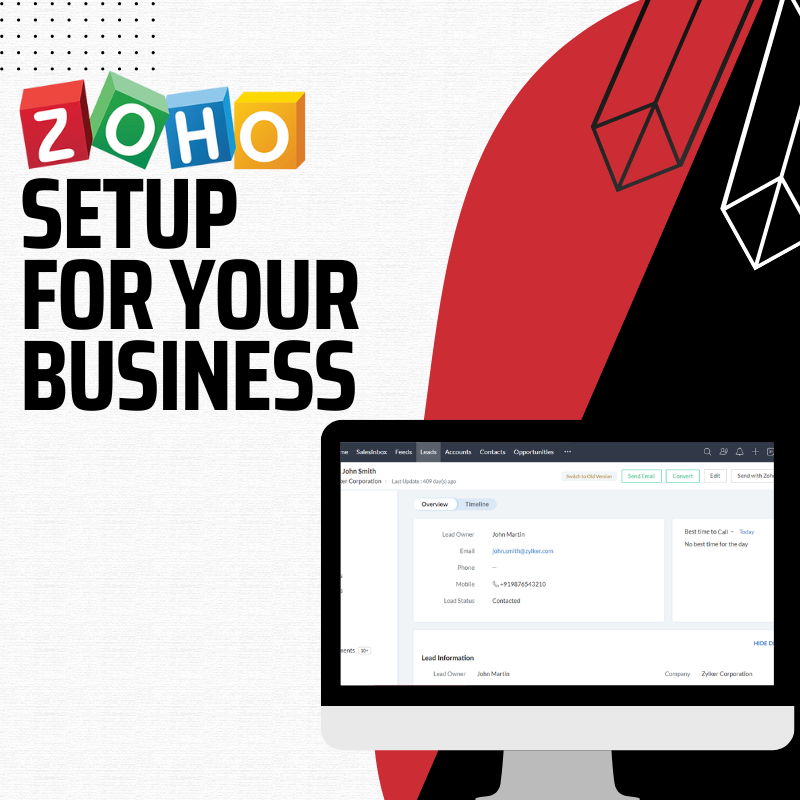
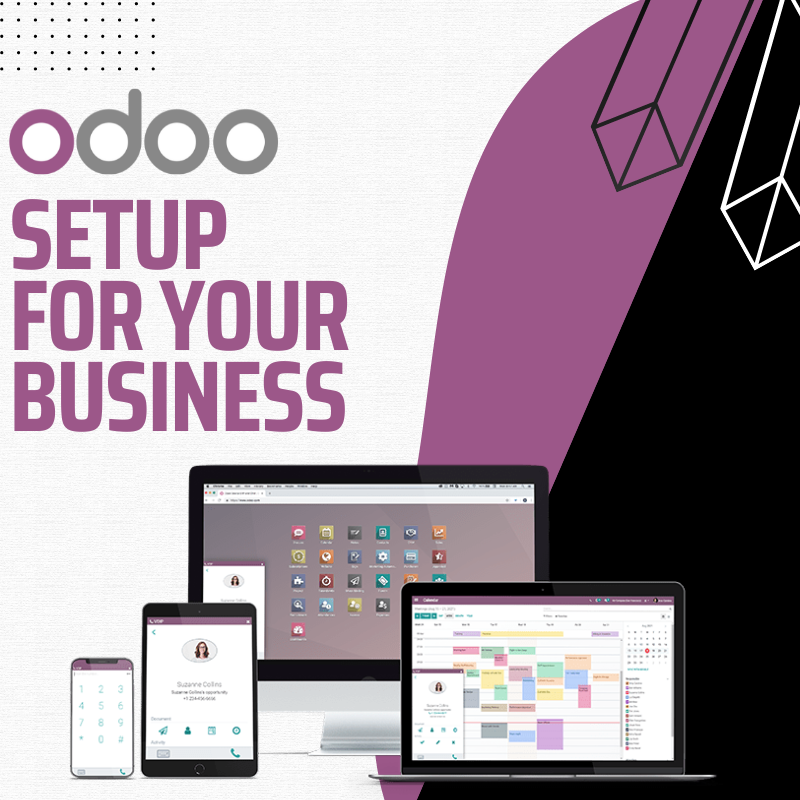
We configure CRMs for small and mid-sized businesses: default and custom apps, data migration, upgrades, customer service and marketing automation, integrations with your other business tools, and bug fixes. See our CRM support and configuration service, or our platform-specific Zoho setup and Odoo setup services. Tell us your team size and tools, and request a quote.
Frequently asked questions
How much does a CRM cost for a small business?
Is Excel a CRM?
Can a CRM connect to my phone system?
How long does it take to set up a CRM?
Is a free CRM good enough to start with?
Related services
-
 CRM Support Configuration $200.00
-
 Zoho Setup for your business $100.00
-
 Odoo Setup for your Business $200.00
Sources
- Zoho CRM pricing and editions (accessed 2026-11-19)
- Bitrix24 plans and pricing (accessed 2026-11-19)
- Vtiger: Open source CRM (accessed 2026-11-19)
- Odoo editions: Community vs Enterprise (accessed 2026-11-19)
- Odoo source repository licence (LGPLv3) (accessed 2026-11-19)
- EDPB SME data protection guide: Respect individuals' rights (accessed 2026-11-19)